


Contents
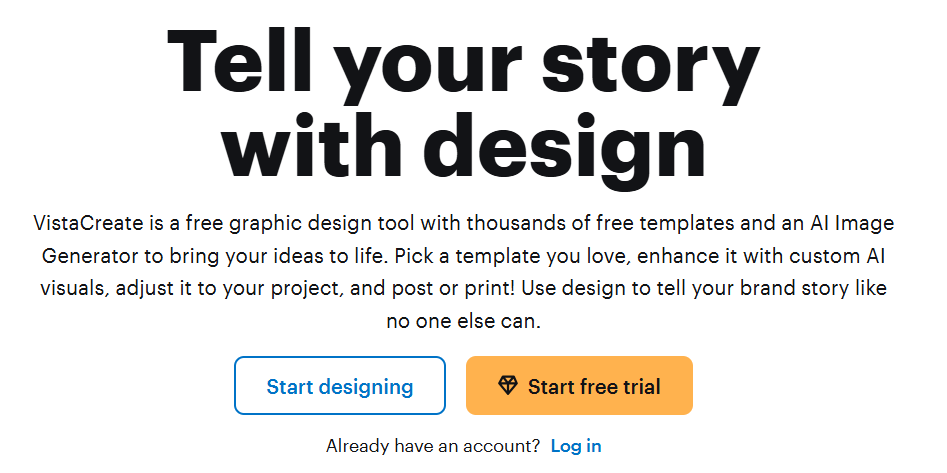
In today’s digital-first world, visual content is critical: from social media posts to marketing collateral, your brand needs to look consistent and professional. VistaCreate allows even non-design teams to produce high-quality graphics, animations, and marketing materials in minutes. This means you can maintain a strong brand presence while keeping costs low and operations lean.
At its core, VistaCreate is purpose-built to help small businesses and teams scale their content creation. Whether you’re designing social media posts, print flyers, or animated ads, VistaCreate gives you access to a vast asset library, powerful editing tools, and collaboration features, all in one place.
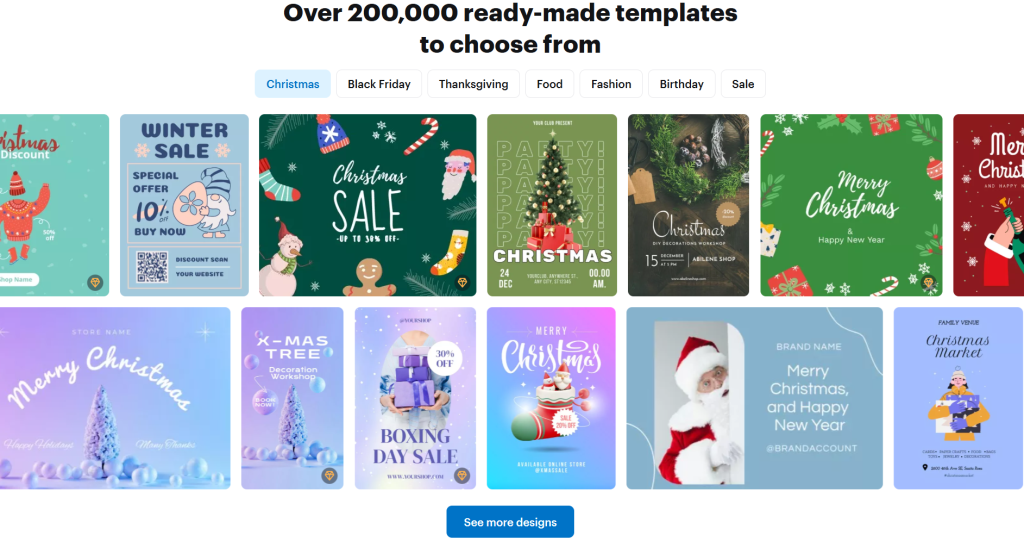
VistaCreate provides a rich collection of professionally designed templates that act as the starting point for nearly any visual your business needs. These templates cover social media posts, blog graphics, ads, presentations, print collateral, and more. Because they’re fully customizable, teams can quickly adapt them to their brand identity, cutting down on the time and cost usually associated with creative work.
Beyond templates, VistaCreate gives you access to a massive creative assets librarY including millions (or even tens of millions) of royalty-free photos, videos, vectors, and design objects. These assets make it possible to build truly custom visual content without paying for expensive stock imagery or licensing. For startups on tight budgets, this removes a huge barrier to producing professional content.
Real-World Example (Relatable to Startups):
Imagine you’re a founder of an early-stage SaaS company. You need to post regular LinkedIn updates about feature launches, make banners for your blog, design a pitch deck, and also run a Google Ads campaign. Without design resources, you’d turn to agencies or freelancers, which costs time and money. With VistaCreate, you or your cofounder (even if you’re not a designer) can pick from pre-made templates, customize them with your brand colors & logo, generate images for new features via AI, and quickly resize for LinkedIn or ad banners, all in under an hour. Instead of hiring someone full-time or outsourcing, you become self-sufficient in creating high-quality marketing assets.
Quick App Snapshot
- App Name: VistaCreate
- Best For: Small business owners, marketing teams, startup founders, freelancers
- Platform: Web, iOS, Android
- Top Feature: Vast design template + asset library with AI-powered tools (background remover, image generation)
Who Is This App REALLY For?
VistaCreate is ideal for business people or teams who need to produce visually compelling content but don’t have a dedicated designer on staff. If you run a small or growing company and want to handle design in-house without the cost or complexity of hiring, this tool is a strong fit.
It’s also great for marketing teams in startups who must move fast, designing social media graphics, ad creatives, and marketing collateral, all while juggling limited resources. The intuitive drag-and-drop interface makes it accessible even for those new to design.
Freelancers or solopreneurs will find VistaCreate a powerful asset: you can generate logos, content graphics, and even animated visuals, all within the platform, reducing dependency on multiple separate tools.
For collaborative teams, VistaCreate’s brand kit, version history, and team features mean you can scale your design workflow and maintain brand consistency without relying on external vendors every time.
Our Hands-On Experience
When we tested VistaCreate, here’s how it played out: signing up was quick, and within minutes, we were in the editor. The drag-and-drop system is very intuitive, even for someone who doesn’t design every day.
We tried building a LinkedIn post from scratch. We picked a template, changed the text, swapped background images with royalty-free vectors, and removed the background from a product image using the Background Remover tool. Less than 10 minutes in, we had a clean and professional visual ready to share.
Next, we played with the AI Image Generator: we typed a prompt about “modern flat-style illustration of a startup team collaborating” and got a few good images. We picked one, resized it for different social media use cases, and added our brand colors through the Brand Kit. It was fast, and the generated images felt usable, not just gimmicks.
There was also some surprise, we didn’t expect version history to be so handy. We made a few changes, didn’t like one version, and easy-peasy, we went back. For a founder or a team doing regular design work, that safety net is very valuable. Using VistaCreate, we managed to create assets for social media, blogs, and ads in under 30 minutes. It felt like a real force multiplier.
Features of VistaCreate
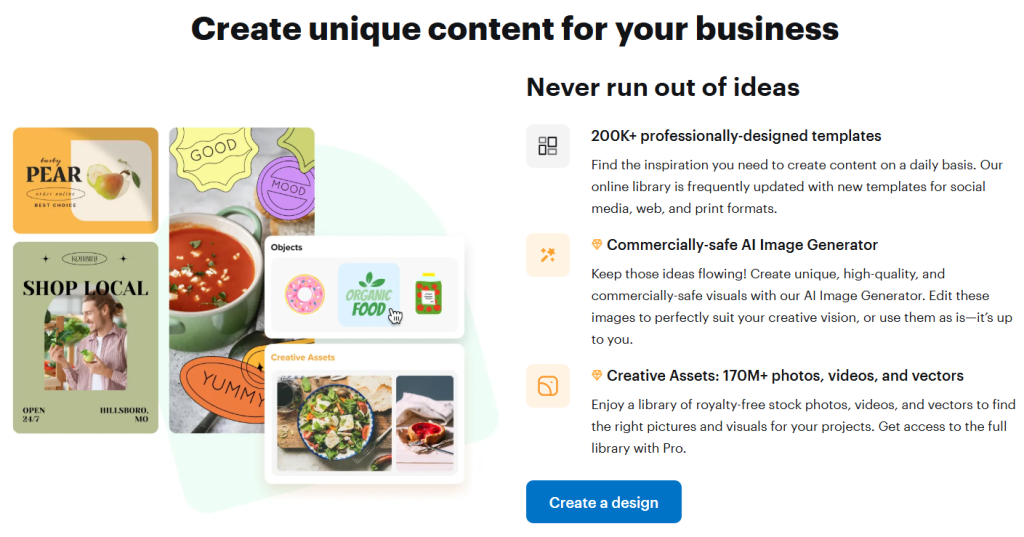
1. Massive Template Library: VistaCreate offers over 200,000 professionally-designed templates covering social media, print, web, and more.
Why it matters: Startups don’t need to design everything from scratch — they can use templates to speed up content creation, maintain consistency, and stay on-brand.
2. Creative Asset Library: Access to millions of royalty-free photos, videos, vectors, and design objects (over 170 million in Pro).
Why it matters: No need to pay separately for stock assets. High-quality visuals become affordable, and content production costs drop.
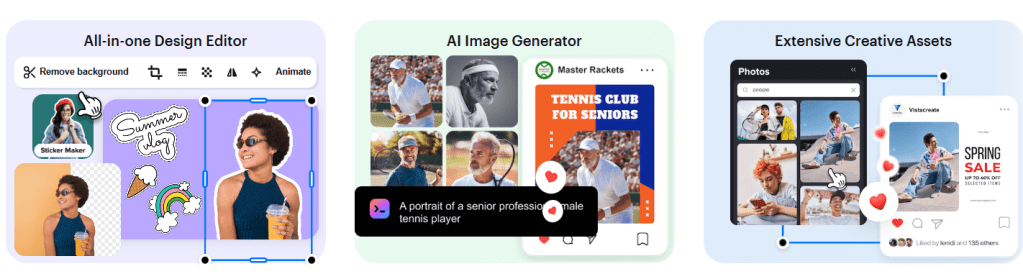
3. AI-Powered Tools (Background Remover, Image Generator, Object Remover): You can remove image backgrounds in a click, erase unwanted objects, or generate new visuals by typing text prompts.
Why it matters: These tools let non-designers manipulate images with ease and creativity, good for branded content, product photos, or visual storytelling without needing Photoshop.
4. Brand Management (Brand Kit): Upload your logos, brand colors, and fonts, and maintain brand consistency across all designs.
Why it matters: Teams can centralize branding assets; even non-designers can ensure every piece of content is brand-aligned.
5. Collaboration & Version Control: Team accounts (in Pro), version history to revert edits, and shared storage.
Why it matters: Design workflows become smoother. Teams can collaborate without overwriting each other’s work, and you don’t lose track of earlier design ideas.
6. Sticker Maker: Turn your images into custom stickers.
Why it matters: Useful for marketing campaigns, merchandise, or adding a playful brand touch to customer engagement.
Pricing of VistaCreate
1. Starter (Free): No cost. Includes 100K+ templates, 1M+ free assets (photos, vectors, etc.), basic editing tools, upload functionality, 10 GB storage, a Brand Kit, social media scheduler, and more.
2. Pro Plan: Paid plan that includes everything in Starter plus access to 170M+ creative assets, unlimited Brand Kits, background remover, AI image generator, object remover, sticker maker, team collaboration (up to 10 members), version history, unlimited storage, and HD downloads.
There’s a 14-day free trial for Pro.
Pricing for Pro is around US$ 10/month (depending on billing).

Pros and Cons of VistaCreate
Pros:
- Extremely user-friendly and intuitive drag-and-drop interface, perfect for non-designers.
- Huge template library and creative asset pool, helps you scale content production without external designers.
- Powerful AI tools (background remover, image generator) boost creativity and speed.
- Brand Kit and team collaboration make it suitable for small teams and start-ups.
- Free version is quite generous; Pro is affordable relative to value.
Cons:
- The mobile app lacks some features (e.g., Brand Kits, team accounts) compared to web.
- Video editing is basic: limited timeline capabilities, no advanced trimming or splitting.
- If you unsubscribe, cancellation sometimes depends on where you signed up (web vs. mobile), not always seamless.
- For very advanced designers, it may lack the deep customization capabilities of tools like Photoshop.
Alternatives to VistaCreate
1. Canva: One of the most popular design tools. It offers a similarly broad template library, collaborative features, and design flexibility. Canva might have more third-party integrations, but VistaCreate’s Pro plan gives very generous access to creative assets at a competitive price.
2. Adobe Express (formerly Adobe Spark): Comes from the Adobe ecosystem, which is appealing if you already use other Adobe products. It offers excellent design quality, but its free plan may be more limited and its paid plan can be more expensive compared to VistaCreate.
3. Visme: More focused on business presentations, infographics, and data-heavy visual content. If your startup needs high-impact presentations or data visualizations, Visme is strong. But for fast social media graphics or simple marketing assets, VistaCreate is often simpler and faster.
IBR’s Verdict: Should You Use It or Skip It?
Our Verdict: ⭐️⭐️⭐️⭐️☆
VistaCreate is a strong, practical design tool for startups, small businesses, and marketing teams. It strikes a great balance between capability and ease-of-use: you get powerful design tools, a massive asset library, and intelligent features, all without needing a designer or blowing up your budget.
If you run a startup and want to speed up your content production, maintain brand consistency, and reduce reliance on external design help, this is a no-brainer.
Want to try VistaCreate? Head over to VistaCreate’s website and sign up for the free Starter plan, or start the 14-day Pro trial to test its full power.
If you’re building a business and thinking about designing your own graphics, we’d love to hear your thoughts.
Comment below with your favorite feature or where you see this fitting into your workflow.
Need help building a website or app like this (for your own business)? Check out ikana.io we build custom digital tools that scale with you.
